Joy Beauty Blender: 5 Pro Secrets for Flawless Blending
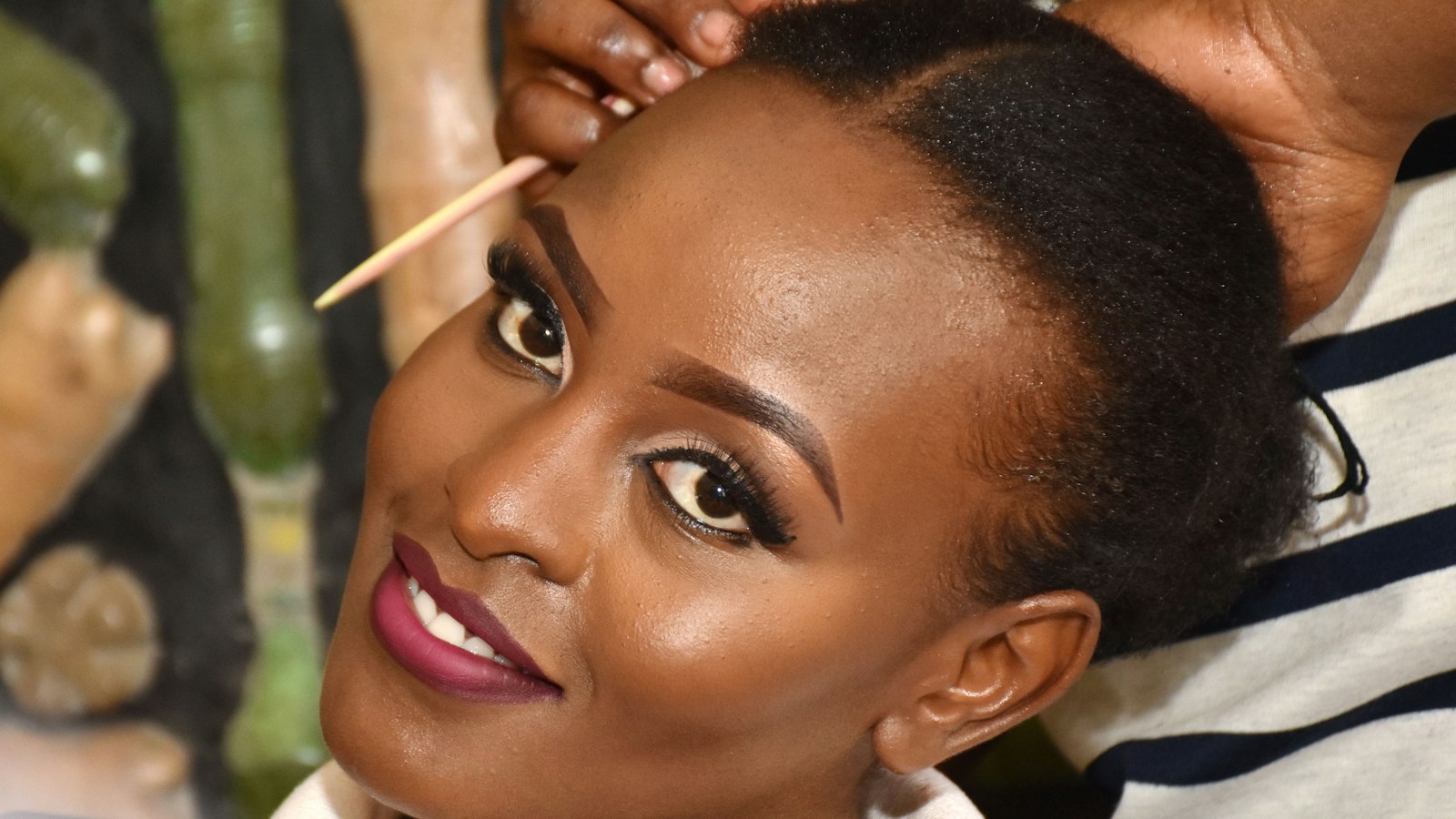
Photo by Roman Derrick Okello on Unsplash
Key Takeaways
The Joy Beauty Blender delivers seamless blending with just one press and glide—no brushes, no sponges. Its ultra-fine texture holds product longer than sponges but requires a damp (not soaking) application for smooth results.
- Use the blender dry for powder foundation (press in product) and slightly damp for concealer (diffused finish).
- The press-and-glide method (not drag) prevents streaks and maximizes coverage.
- Replace your blender when it loses bounce or holds product unevenly—signs of wear.
Why the Joy Beauty Blender Works Better Than Sponges (And How to Use It)
The Joy Beauty Blender doesn’t just blend—it transfers product with precision. Unlike traditional sponges, which absorb foundation like a dry towel, this tool’s micro-textured surface holds formula in a way that mimics a brush’s precision while keeping the control of a sponge. The result? More coverage per swipe.
Here’s how it works: press firmly to load the formula into the texture, then glide immediately to release it evenly. This two-step motion—press, then glide—is what sets it apart from sponges. A sponge absorbs and releases unpredictably, often leaving patches or requiring extra product. The Joy’s texture clings to the formula until you choose to release it, giving you control over every swipe.
For powder, use it dry. Press directly into powder foundation or blush instead of dabbing—this mimics a brush’s stippling motion without the drag. Traditional sponges drag powder, creating streaks or uneven coverage. The Joy’s texture lets you press, then lift cleanly—test it by applying even pressure and checking if it releases without sticking.
The most common mistake? Over-saturating it. Dampen with water (not setting spray)—just enough to reactivate the texture without turning it into a soggy mess. A soaked sponge leaves streaks; the Joy, when dampened correctly, delivers a seamless finish.
Sponges work for quick touch-ups, but for full-coverage products like foundation or cream blush, the Joy’s texture and precision give you more swipes, less mess, and a finish that looks even. The key? Treat it like a brush—press to load, glide to release.
Part of our complete guide: for the full picture, see 25+ Free Procreate Makeup Brushes for Flawless Digital.
The One-Press Technique: How Pros Blend Without Streaks
The secret to flawless blending is one press and glide, no lift. Beginners press to load, then press again to blend—creating streaks. The fix? Press once to load, glide immediately, and never lift. This single motion eliminates drag marks, patchiness, and that uneven look.
Why One Press Works
The Joy’s micro-textured surface holds product differently than a sponge—it transfers rather than absorbs. When you press and glide in one motion, you’re not dragging product across the skin; the texture does the work. The key is control: hold the blender close enough to the skin that you can barely see a sliver of light between it and your face.
Pro Techniques by Product
(No circular motions—linear swipes only.)
1. Foundation: The Hairline Start
- Start at the hairline, press once to load, then glide downward in one motion—no lifting, no circling.
- Why? The hairline is where foundation is thickest. A single downward pass prevents streaks as the product thins toward your jaw.
- Tip for matte finishes: Dampen the blender slightly (not soaking) before loading to help the texture hold product longer.
2. Concealer: The Melt-and-Tap Method
- Dampen lightly, press to “melt” the concealer into the skin—don’t drag. Tap once to diffuse edges.
- Why? Tapping minimizes drag, which is how concealer lines appear. The dampness helps the texture blend the product into the skin.
- Avoid: Pressing too hard—this pushes concealer into fine lines.
3. Highlighter/Cream Blush: The Scoop Motion
- Lift the blender slightly mid-glide (the “scoop” motion) for a sheer, diffused effect. This is the only time you lift—it prevents product from looking concentrated.
- Why? Highlighters and cream blushes are thicker. A scoop motion distributes them lightly, while a flat glide would leave a streak.
The Drag-and-Drop Mistake (And How to Fix It)
The most common error is lifting the blender too high mid-swipe, creating visible lines. Here’s how to spot it:
- Sign you’re doing it wrong: You see a faint line where the blender lifted off, or the product looks uneven under light.
- Fix: Keep the blender so close to the skin that your arm barely moves—just a slight wrist glide.
When to Break the Rule
For liquid highlighters or very thick products, you might need a second light glide—but even then, press, glide, and repeat in the same direction. Never switch directions mid-blend.
Key point: One press isn’t about speed—it’s about control. The blender’s texture does the work if you let it. Master this, and streaks disappear.
(Image hint: Side-by-side demo—left shows incorrect lift-and-drop motion with streaky results; right shows pro one-press glide with flawless finish.)
Joy Beauty Blender vs. Traditional Sponges: Key Differences
The Joy Beauty Blender isn’t just another tool—it changes how you transfer product. Here’s how it compares to sponges:
The Core Difference: Transfer vs. Absorption
A sponge soaks up product like a dry towel. The Joy transfers it with precision. That’s why pros use it for:
- Long-wear foundations (the texture holds pigment longer than a sponge)
- Cream products (no soaking, no mess)
- Layering (you control how much product sits on skin)
But sponges still work better in two cases:
- Setting powder (sponges grip powder better than a blender’s flat surface)
- Quick fixes (a damp sponge is faster for touch-ups than loading a blender)
When to Use Each
| Scenario | Joy Beauty Blender | Traditional Sponge |
|---|---|---|
| Foundation application | Best for full-face, flawless finish | Soaks unevenly; streaks on dry skin |
| Cream products | Transfers cleanly (no soaking) | Can clump or leave residue |
| Powder setting | Flat surface misses spots | Grips powder better for full coverage |
| Oil-based products | Can’t absorb excess oil | Better for blotting |
| Speed | Slightly slower (loading takes practice) | Faster for quick touch-ups |
Tip: The Joy’s one-press technique (press once, glide immediately) avoids streaks—something sponges can’t replicate. But for powder or speed, a sponge is still the better choice.
Durability
Sponges wear out fast (they dry, tear, and harbor bacteria). The Joy lasts years if you:
- Rinse with lukewarm water (never hot—it warps the texture)
- Store it flat (not rolled, to prevent creases)
- Replace it when the edges fray (sign it’s losing bounce)
Budget alternative: Try the Real Techniques Blending Sponge—it’s the closest sponge to a blender’s performance.
When to Replace Your Joy Beauty Blender (3 Signs)
Your blender isn’t just a tool—it’s the difference between seamless makeup and extra touch-ups. Here’s how to tell when it’s time for a new one:
Sign 1: It Loses Its Bounce
Press the blender against your palm. If it feels soft or spongy—like a damp sponge instead of a firm pad—its texture is breaking down. No amount of cleaning will fix this.
Sign 2: It Holds Product Unevenly
Apply foundation with a light press, then swipe it across your skin. If you see dry patches or clumps, the texture is uneven. A fresh blender absorbs and releases product consistently; a worn one creates patchy coverage.
Sign 3: It Drags or Leaves Residue
Glide it over your cheek. If it feels sticky, leaves a film, or drags instead of gliding, the fibers are fraying. A new blender moves smoothly; an old one clings to your skin.
Pro Hack to Extend Its Life
Use one side for foundation, the other for powder. This simple trick can double its lifespan.
How to Clean It
- Rinse under warm (not hot) water.
- Squeeze out excess water—don’t wring it.
- Lay it flat to dry, away from direct sunlight.
Bottom line: If it’s soft, uneven, or sticky, replace it. No guesswork—just these three tests.
Frequently Asked Questions
Can I use the Joy Beauty Blender dry for powder?
No. The Joy’s micro-textured surface is designed for transferring liquid or cream products, not absorbing powder. When you use it dry, powder clings unevenly, leaving a chalky residue.
Fix: Swap to a fluffy powder brush (like a dense kabuki) for setting powder. The Joy’s texture is too aggressive for dry application—it’s built to hold product, not release it.
Why does my makeup look patchy with the Joy?
Patchiness usually comes down to product load and skin prep:
- Overloading: Too much product creates clumps. Load lightly, then glide.
- Skin texture: If your skin is textured, apply a primer first to create a smooth base.
- Wrong product consistency: Thick, matte formulas don’t blend as easily. Test by pressing the blender into your product—if it leaves a glob, switch to a lighter formula.
Tip: The Joy works best with dewy or medium-finish products. For matte formulas, dampen the blender slightly to help it glide.
Is the Joy better for oily or dry skin?
The Joy’s strength isn’t skin type preference—it’s how you use it:
- Oily skin: The blender holds product longer, so you need less. But overload can emphasize shine. Use a damp (not wet) blender and press once to load.
- Dry skin: The fine texture can pull at flakes if skin isn’t prepped. Apply a hydrating primer first, then use the blender lightly.
Key point: The Joy’s texture transfers product more evenly, reducing the need for extra product—great for oily skin if used precisely.
How does the Joy compare to the original Beautyblender?
This is a texture vs. texture comparison:
| Criterion | Joy Beauty Blender | Original Beautyblender |
|---|---|---|
| Texture | Ultra-fine, micro-textured ridges | Coarser, sponge-like grooves |
| Product Hold | Holds more liquid product without soaking | Absorbs like a damp sponge |
| Blending Efficiency | One press-and-glide (no bounce needed) | Requires multiple bounces for even coverage |
| Skin Feel | Lighter, less drag | Can feel heavier, especially on dry skin |
| Versatility | Best for liquid/cream products | Works with powders (but less precisely) |
| Durability | Less prone to product buildup | Grooves can trap product over time |
Takeaway: The Joy is faster, more precise, and works with less product—but only if you master the one-press technique. The original is more forgiving for beginners.
When to choose which?
- Pick the Joy for speed, precision, and less product waste.
- Stick with the original for forgiveness and powder blending.
Final note: The Joy’s texture isn’t just “better”—it’s different. It forces a change in technique, which is why beginners struggle at first. But once you ditch the sponge mindset (no soaking, no double-pressing), it delivers more control with less effort.
Master the Joy Beauty Blender in 3 Steps (No Brushes Needed)
The Joy Beauty Blender works best when you follow this rhythm:
Step 1: Dampen lightly. No setting spray, no excess water—just a light mist. The texture needs moisture to glide, not enough to turn it into a wet rag.
Step 2: Press once to load, then glide. The secret is one firm press to pick up product, followed by a smooth, unbroken glide. Beginners double-press, which creates streaks.
Step 3: Tap once to diffuse (if needed). For concealer or highlighter, a single tap softens edges. For powder, press to apply, then glide to blend—no brush required.
Still struggling? Our guide on Beauty Blender Use Wet or Dry: 3 Common Mistakes covers the most common errors—like over-dampening or pressing too hard—and how to fix them. Start here: press once, glide, and tap when needed.
Keep reading
Keep exploring the topic with these related guides: